
Lab 2-2: Management of Controllers (5508)
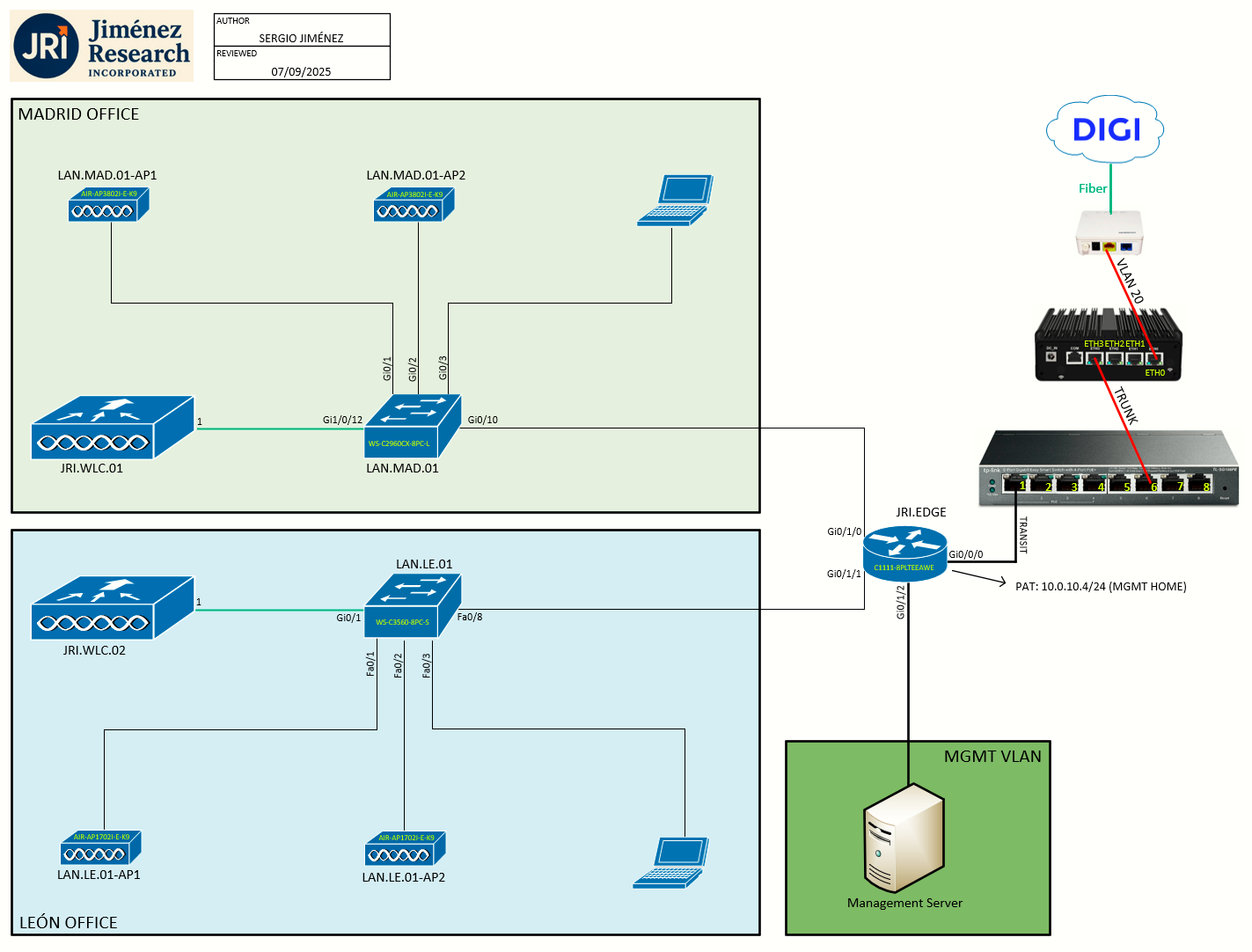
Topology
Task 1: Using the Controller Interface
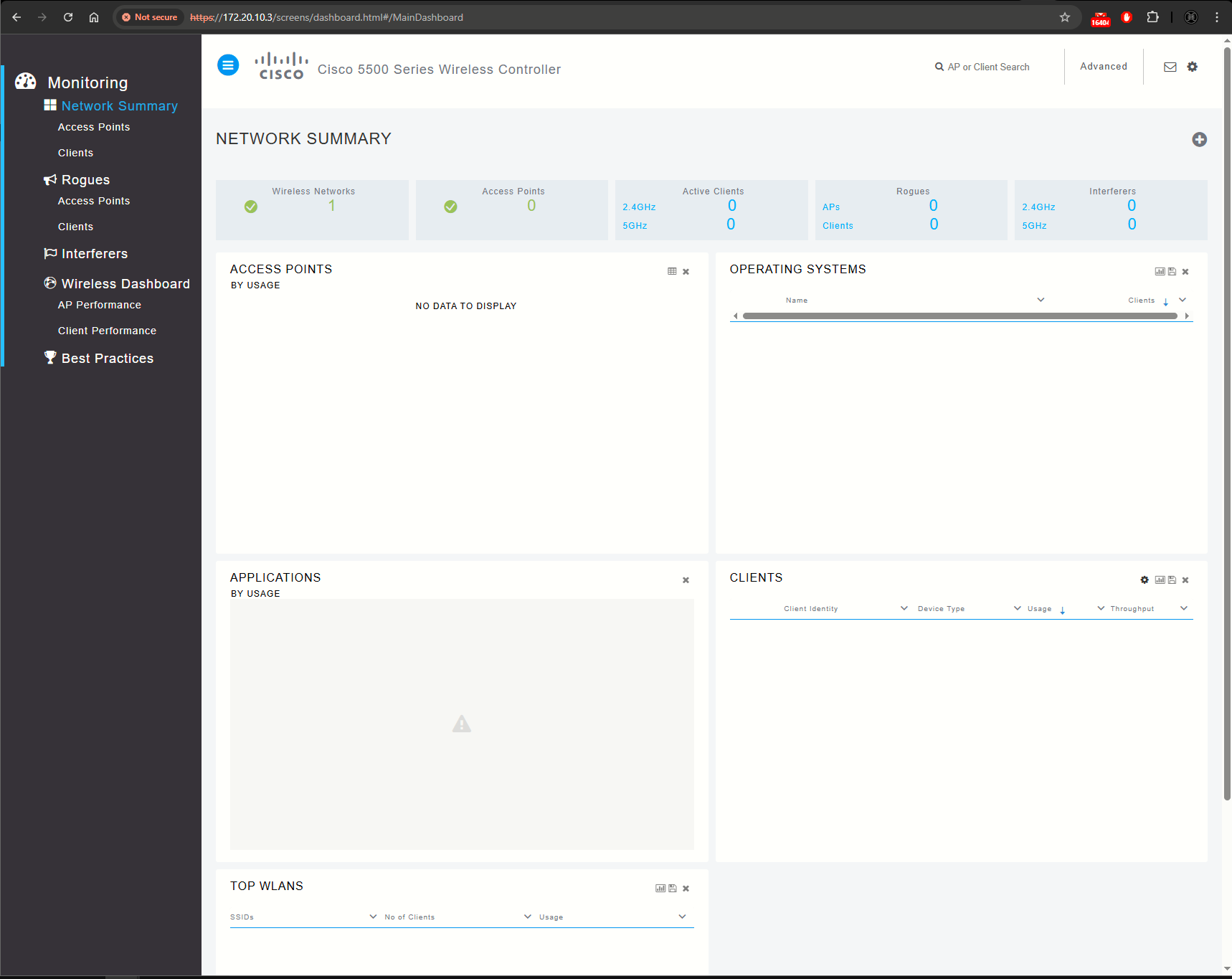
Using the Controller GUI
A browser-based GUI is built into each controller. It allows up to five users to simultaneously browse into the controller HTTP or HTTPS.
- To view the Main Dashboard, JavaScript must be enabled on the browser.
- You can use either the service port interface or the management interface to access the GUI.
- You can use both HTTP and HTTPS when using the service port interface. HTTPS is enabled by default and HTTP can also be enabled.
Using the Controller CLI
Regarding the use of the local serial connection (via console cable): by default, the CLI displays the root level system prompt (Cisco Controller) >, this can be changed with the config prompt command:

Task 2: Managing Licenses
To open the Licenses page: Management > Software Activation > Licenses.
This page lists all the licenses that are installed on the controller. For each license, it shows the license type, expiration, count (the maximum number of access points that are allowed for this license), priority (low, medium, or high), and status (in use, not in use, inactive, or EULA not accepted).
