Lab 1-2: Configure the Management Server
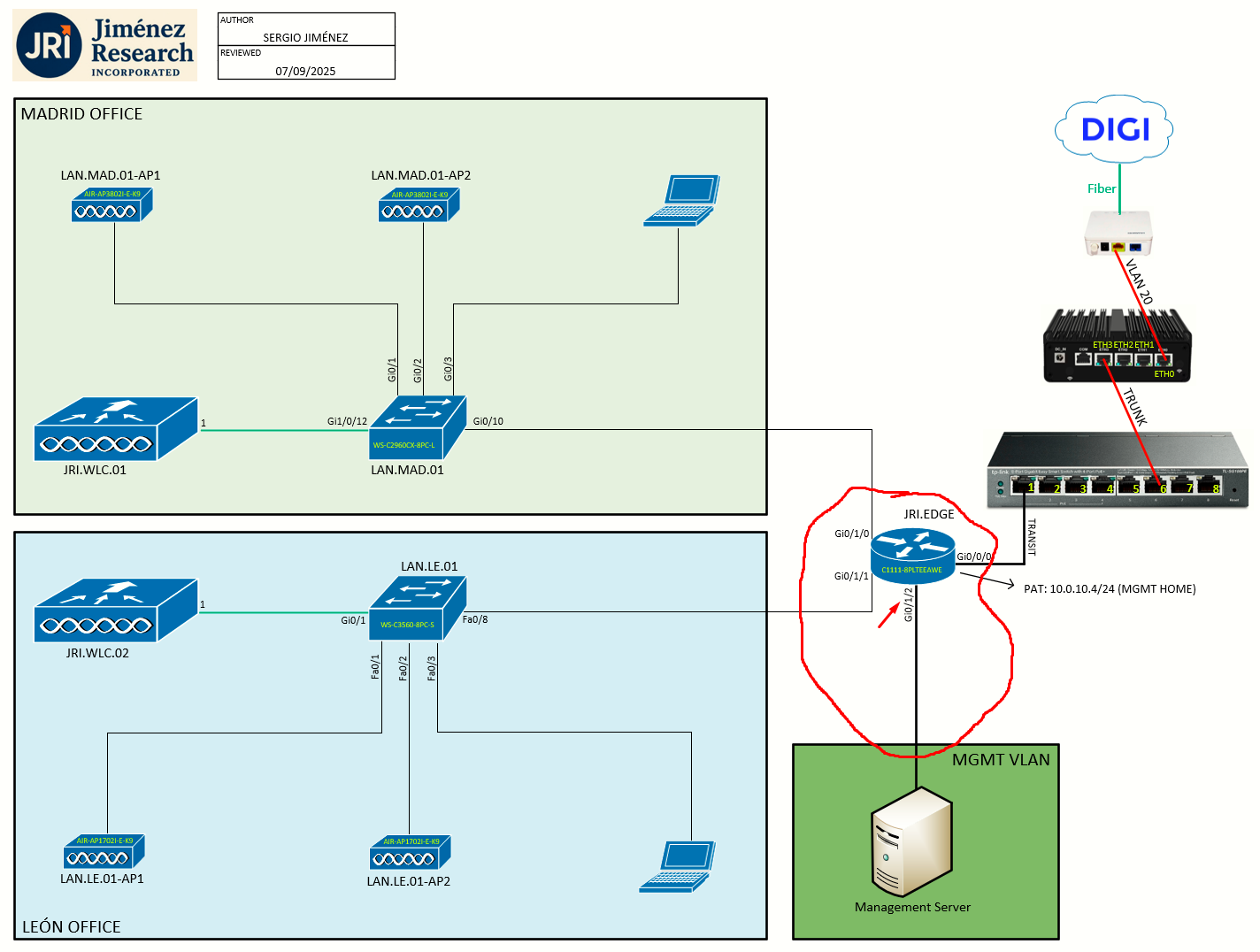
Topology
Task 1: Cable the Management Server to JRI.EDGE
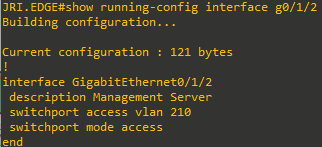
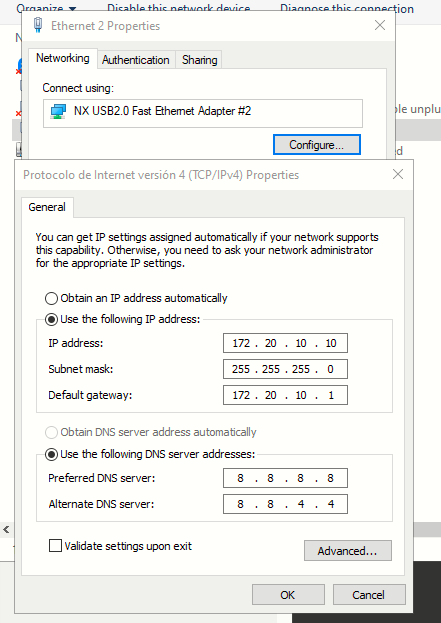
The Management Server will be given a fixed IP address (172.20.10.10/24) in the MADRID_MGMT VLAN. It will be physically connected to JRI.EDGE on an access port in that VLAN (210).
The port on JRI.EDGE will be Gi0/1/2:
Task 2: Configure the Fixed IP Address on Management Server
Just configure the IP on the network adapter connecting to JRI.EDGE:
Task 3: Connect via SSH to the Devices
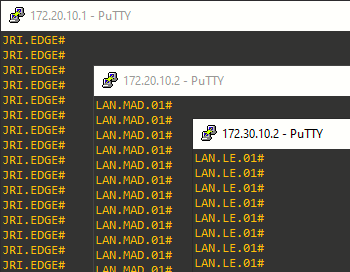
After the cabling and the IP configuration have been done, the devices are accesible via SSH:
Important to disable other network interfaces on the Management Server (i.e Intel I211 in my case, just for reference). Otherwise the routing table on the Windows 10 might redirect traffic for the networks on the lab to another gateway.