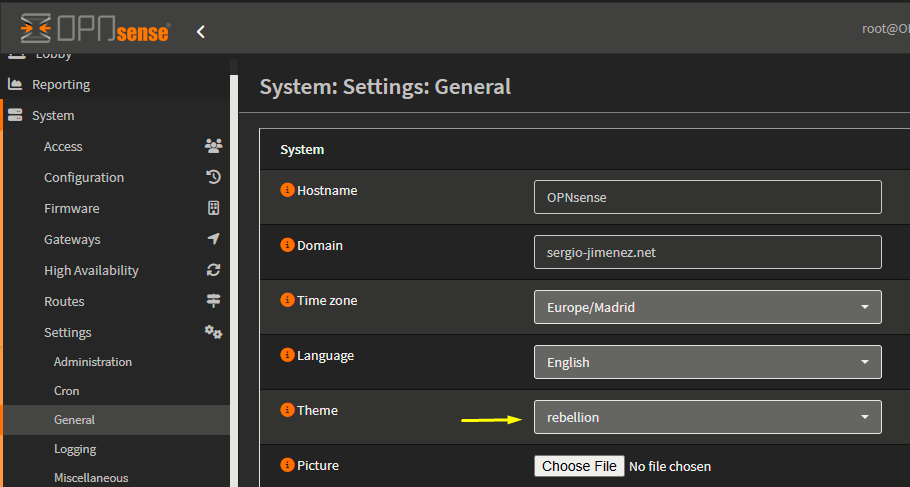
System-general Settings
Domain Name and DNS used by OPNsense
The general settings mainly concern network-related settings like the hostname. The general setting can be set by going to . The following settings are available:
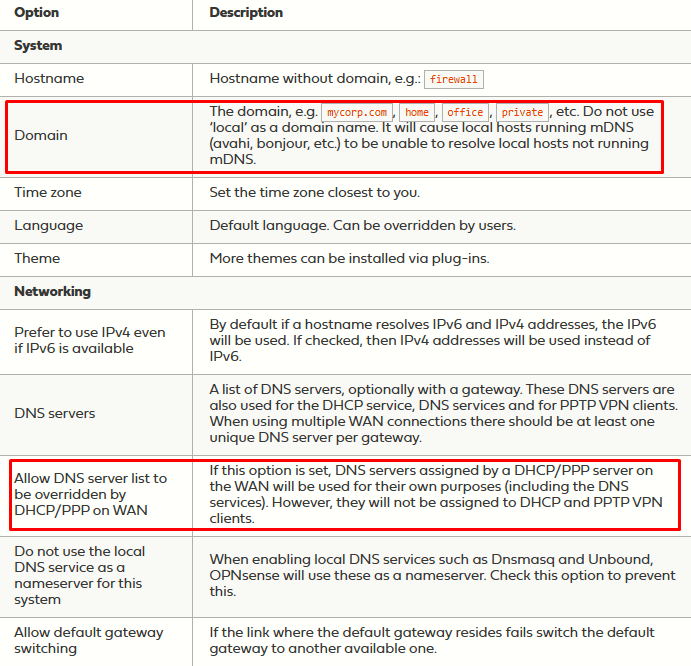
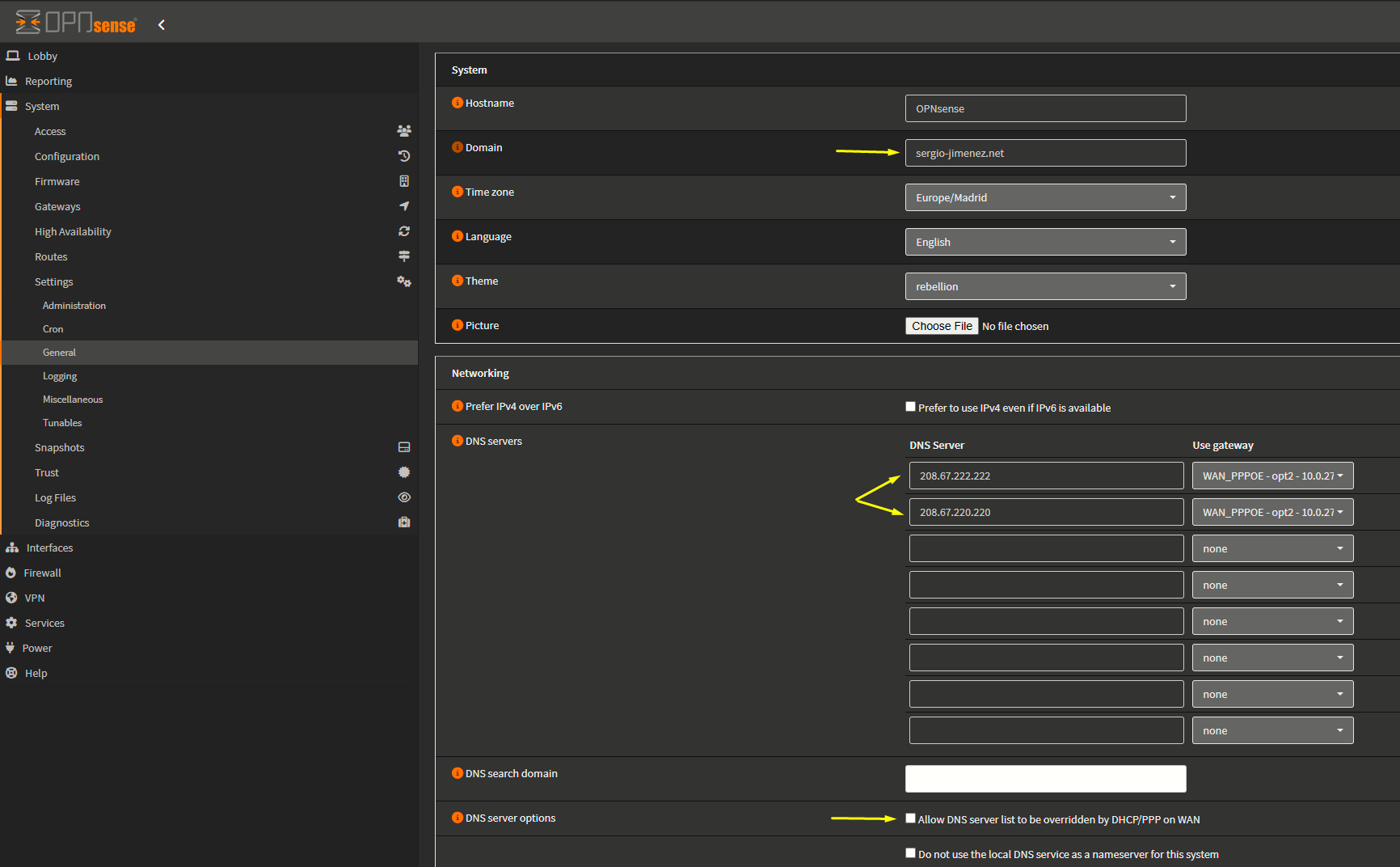
I have changed the domain, set the DNS to the OpenDNS ones, and disabled the Allow DNS server list to be overriden by DHCP/PPP on WAN because I don't want the DNS given by my ISP (DIGI) over the WAN to be used.
Themes
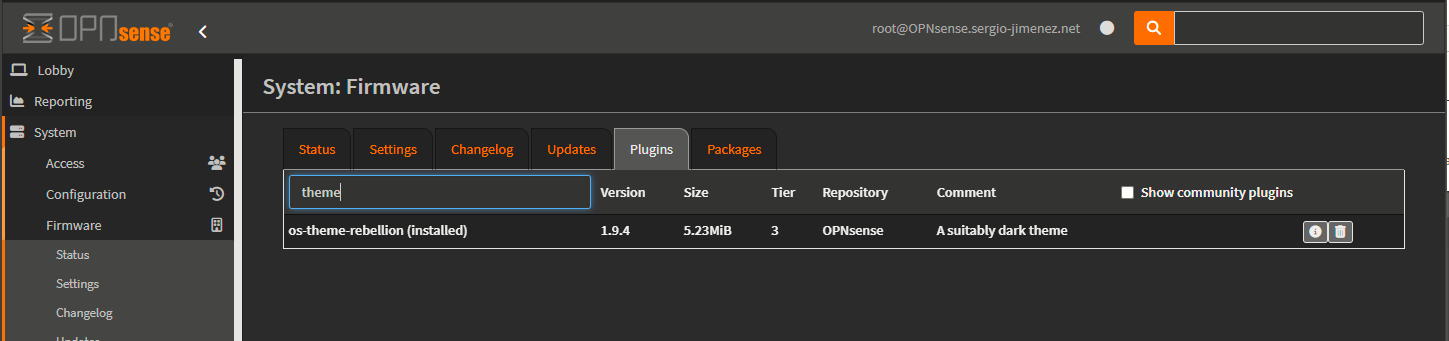
Themes can be installed via plugins. If I search for "theme" on the plugins sections I just the following theme, which I had installed:
I would then select the theme back on General settings: