Managing Updates
Introduction
The OPNsense update schedule consists of two major releases each year, which receive minor updates about every two weeks. The major release version number consists of the year and month of release (e.g. 25.1 for the January 2025 release), with the fortnightly minor updates adding a third number (e.g. 25.1.3 for the third update to 25.1).
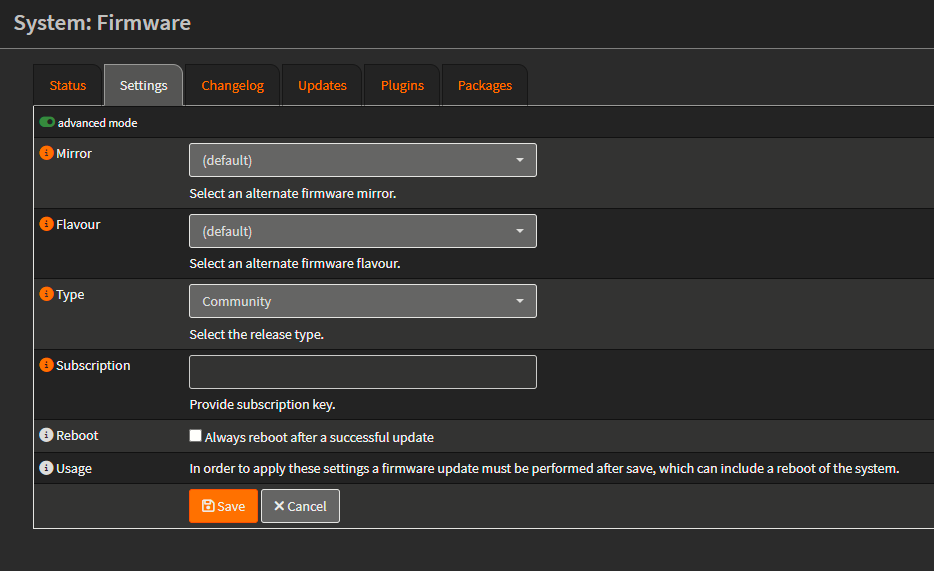
Update Settings
Minor and Major Updates
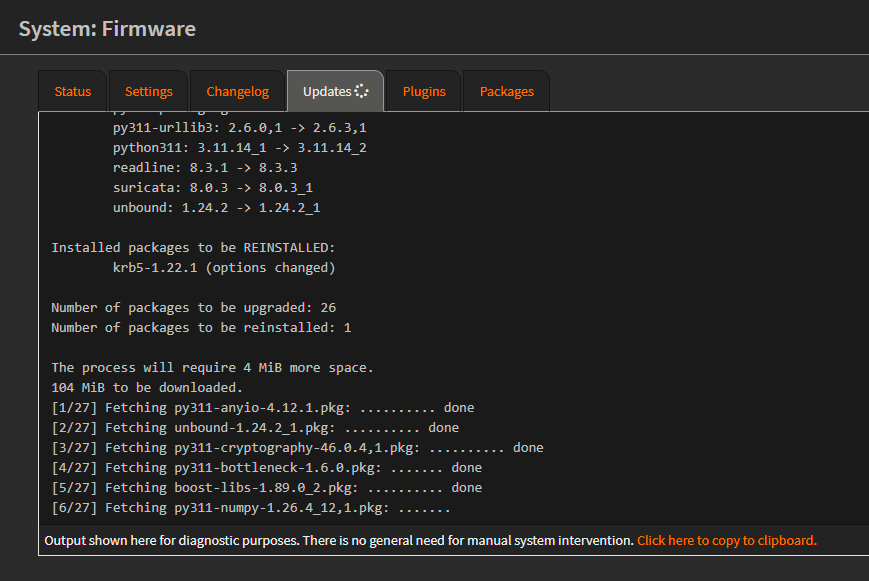
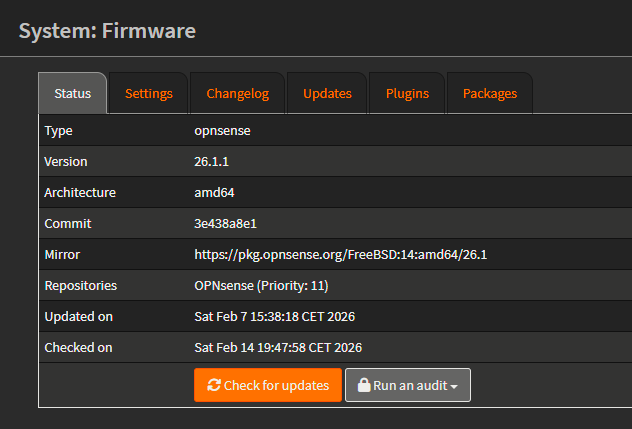
Updates can be installed from the web interface by going to . On this page, you can click Check for updates to search for updates. If they are available, a button will appear asking to install them.
Major upgrades are recommended to be done via a VGA display or serial console so you can see what is going on.
Major updates are installed offline. This means no web or SSH server is running for you to monitor the upgrade. If something fails, you will need a secondary connection or direct access to revert to a snapshot or repair the installation.
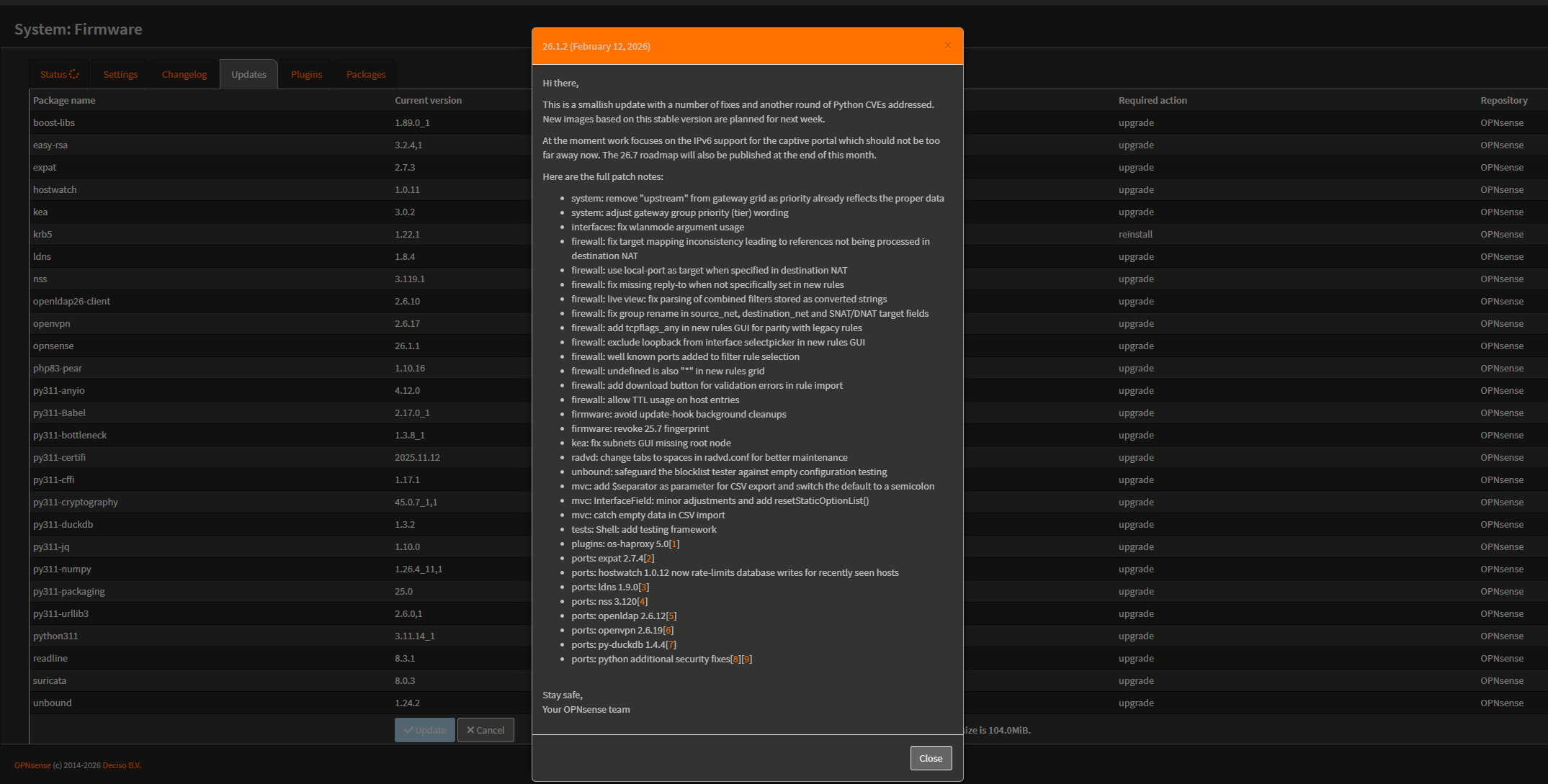
After clicking Update on the GUI (previous image).