DHCP and DNS roles on Windows Server 2008
Introduction
As part of this homelab, I have setup a Windows Server 2008 R2 (Win2k8 onwards) with the DHCP and DNS roles installed.
Proxmox Setup
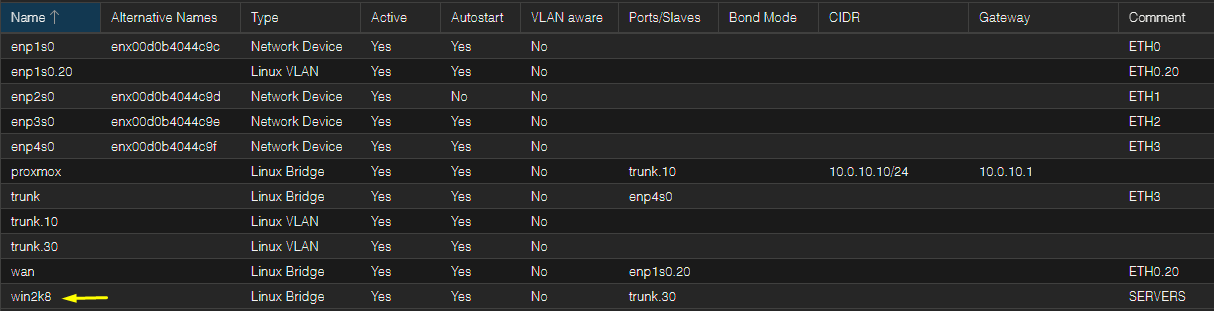
I created a new bridge called "win2k8" (this name will change) and attached it to the Win2k8 VM:
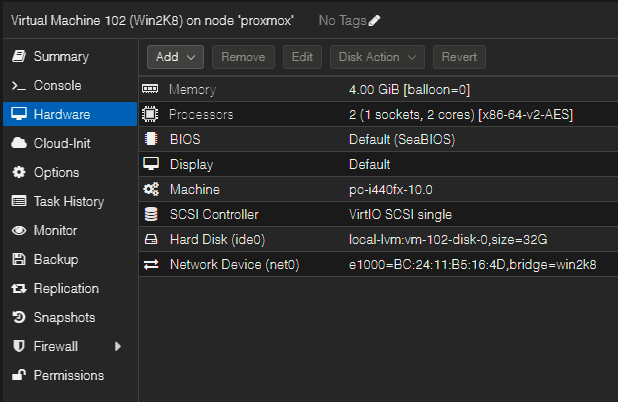
The VM hardware is configured as follows:
Roles Setup
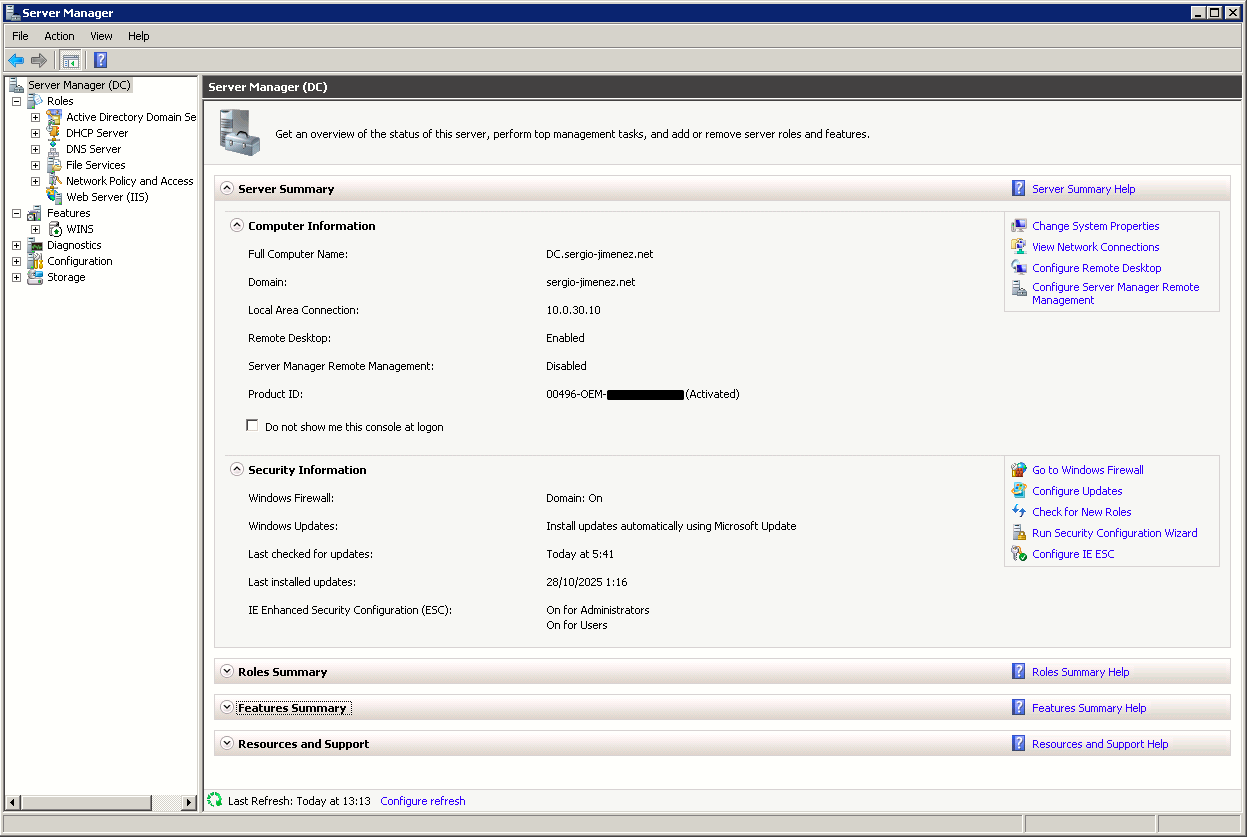
After completing the initial setup, this is the server summary as seen on Server Manager:
Once the initial setup has been completed, I added the DHCP and DNS roles.
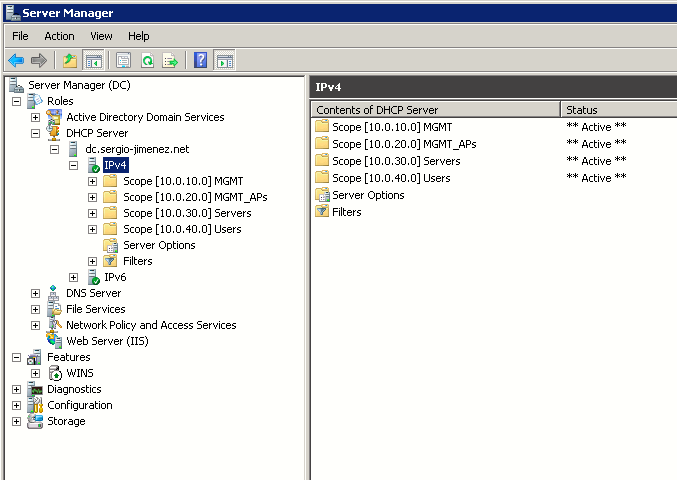
The DHCP server setup is as simple as configuring the scope and scope options:
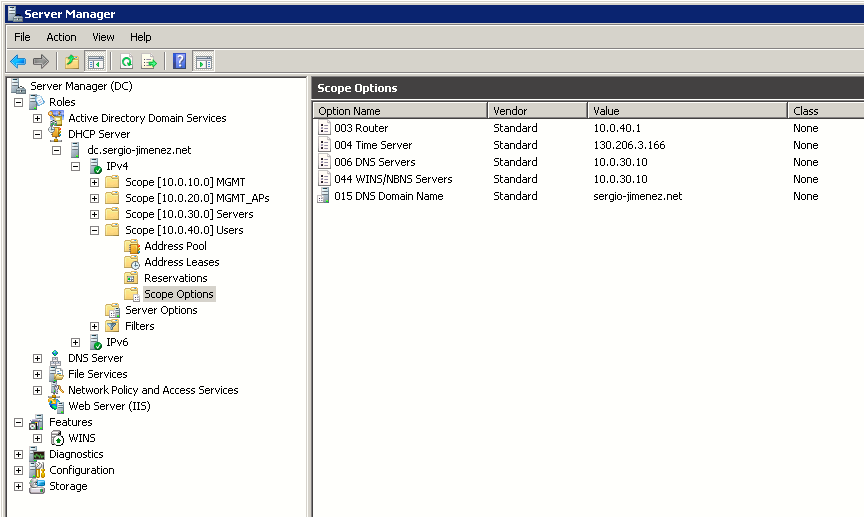
Scope options for the Users network:
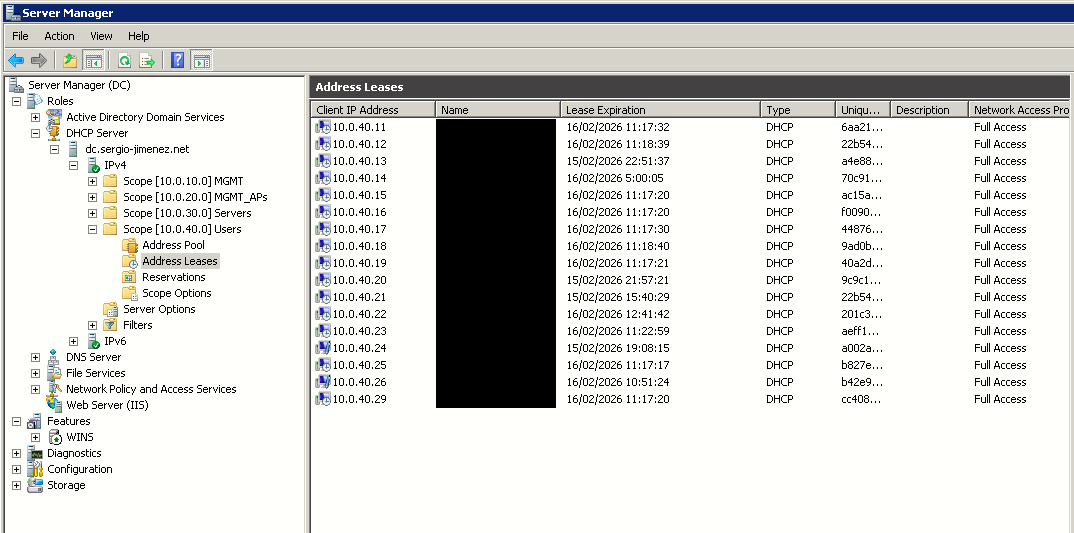
Addresses currently leased on the Users network:
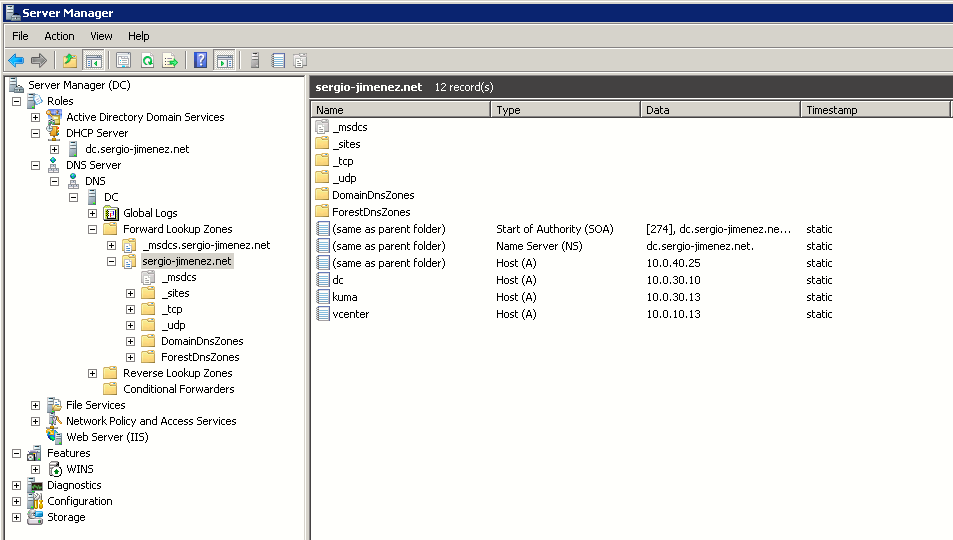
Regarding the DNS role, the server is acting as authoritative for the sergio-jimenez.net internal zone. You can see the forward lookup zone for this domain along some A records below: