
5. Creating a Lab on EVE-NG Pro
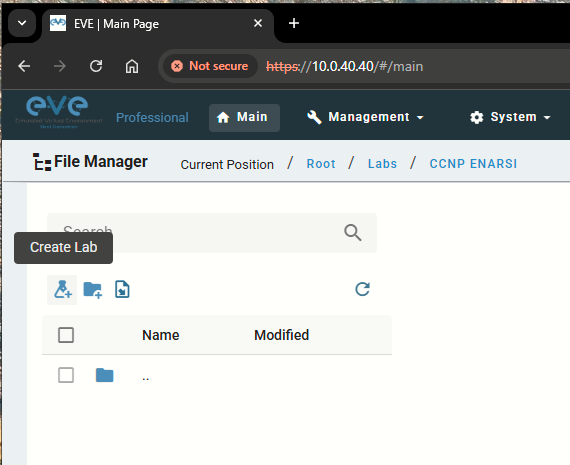
Step 1: Click Create Lab under the desired folder
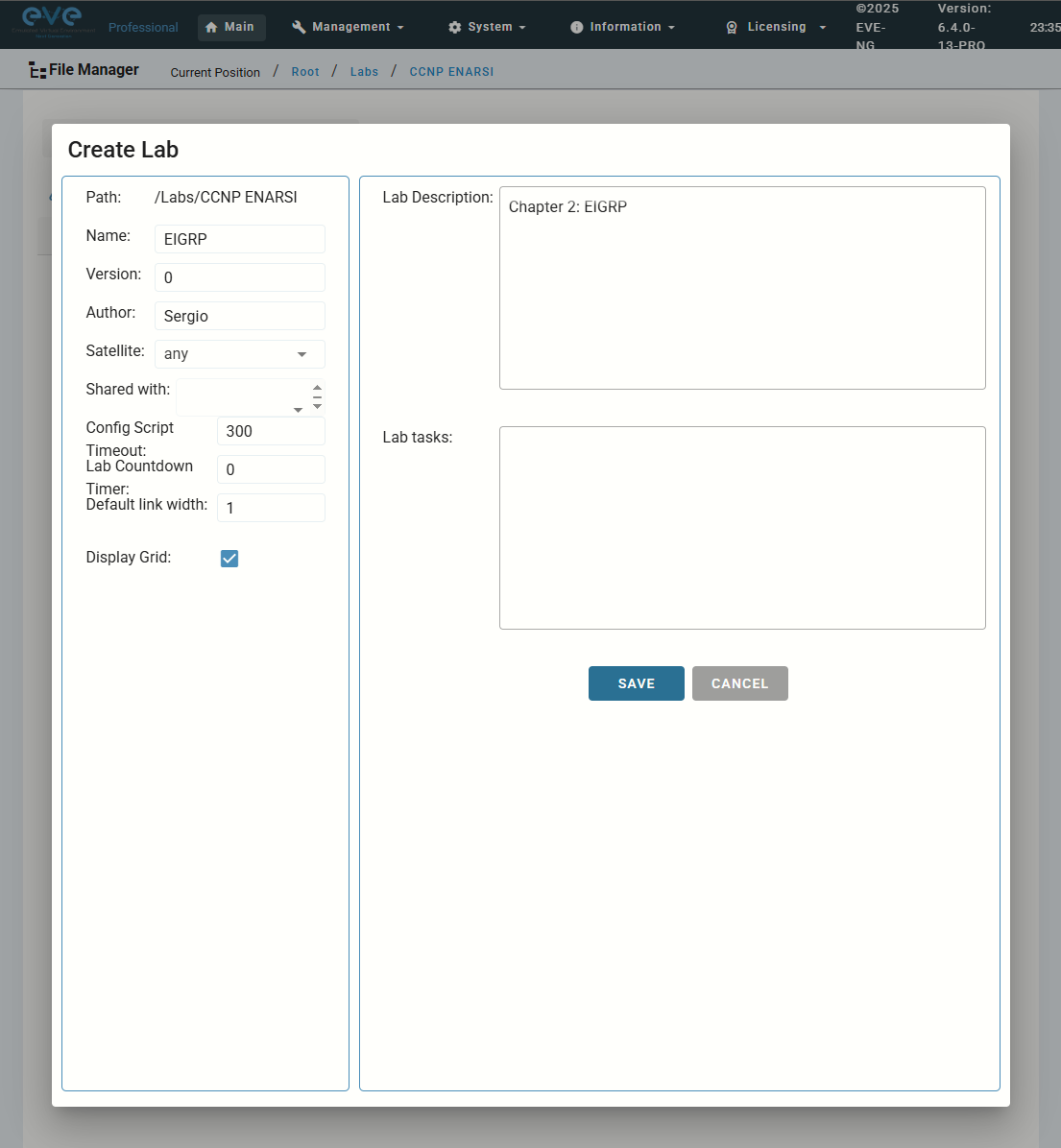
Step 2: Fill out the lab information. Name and Version are required fields. Press Save.
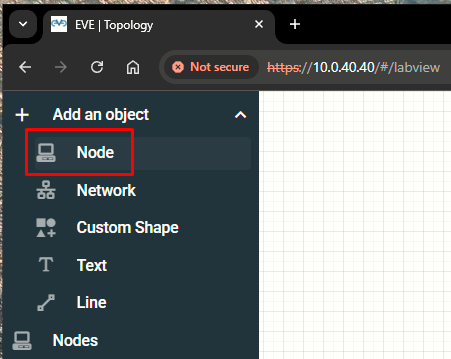
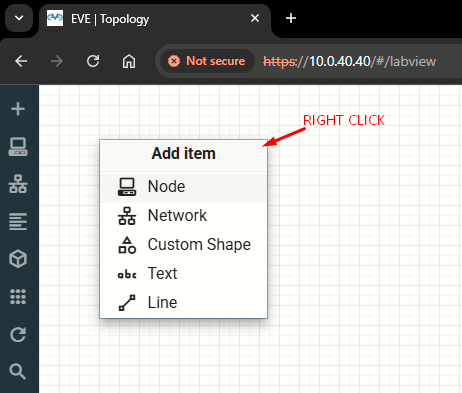
Step 3: The Topology page will open. There are two different ways to add nodes to the topology canvas:
|
|
|
Step 4: The Add Node window will appear.
It will only be possible to select and add nodes that have images preloaded in EVE.
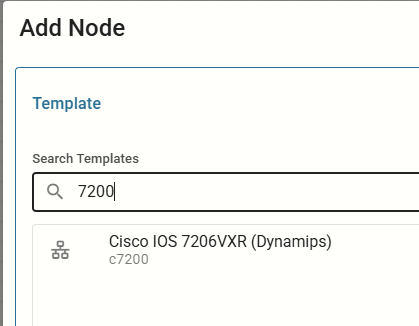
In the case of this dynamips image we must add correct Idle PC value (see previous lab), and we can optionally specify slot cards like the PA-8E which adds 8 Ethernet ports to the router:
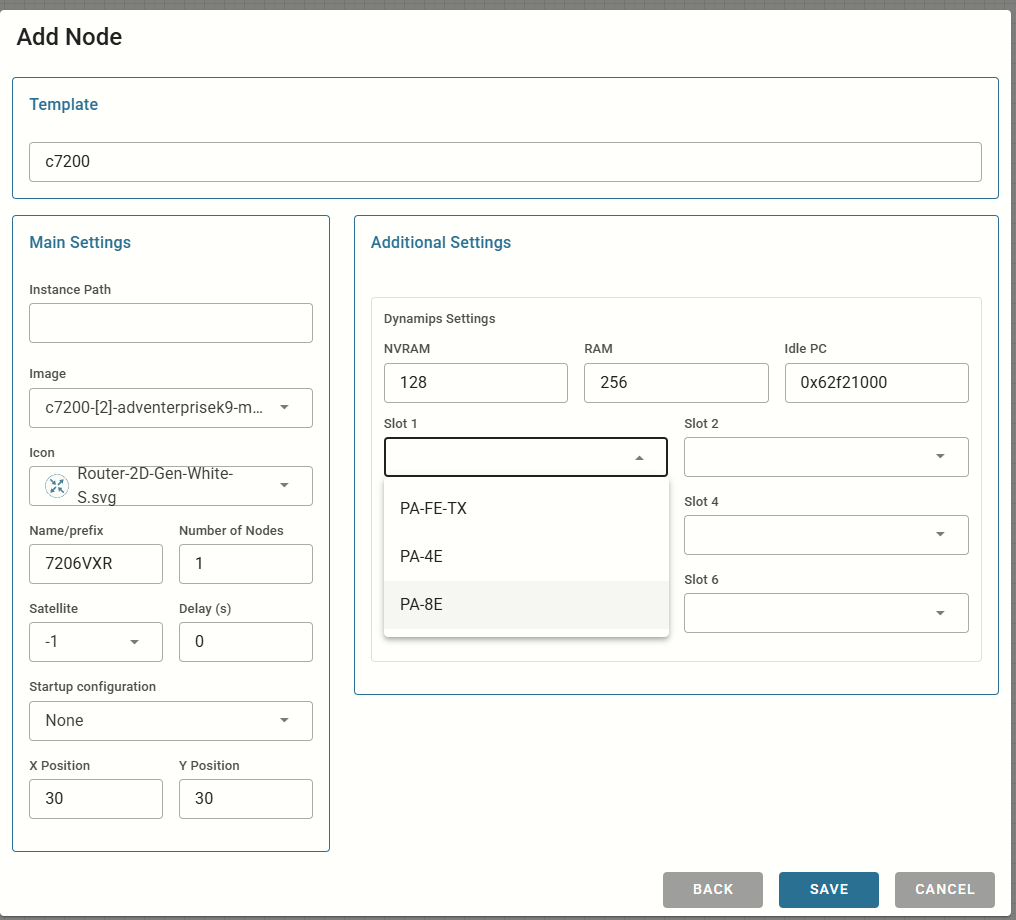
We can also specify Name/Prefix to change device name in the topology and Number of Nodes (to add more than once at once).