3. EVE WEB GUI Management
Folders and Lab Files Management
EVE Professional has three default folders used for various operations. These cannot bedeleted or renamed:
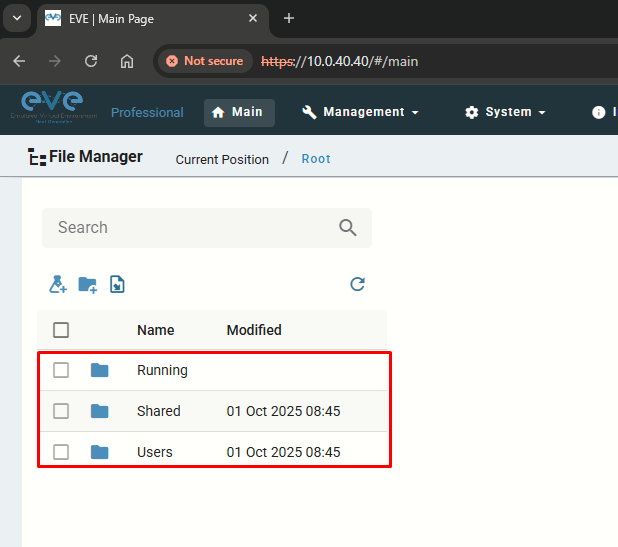
- Running: EVE professional allows a single user to run multiple labs and switch between them with the Running folder. Example: start two labs - when you open your Running folder, you will see both running labs in it. It is easy to switch between labs.
Every user has its own profile; this means that every user has an independent Running folder where this lab runs independently from other users.
Labs can be created and modified by an Admin or an Editor user. The User role can use the lab only exactly the way it was configured by an Admin or Editor and is unable to change any settings.
Admins and Editors can create folders and labs inside the Shared directory.
Admins can create additional folders for any user.
Adding a User
Since I don't want to use the default admin account for everything, I'll just create an Admin account named sergio with a unique password. I'll go to Management > User Management > Add User:
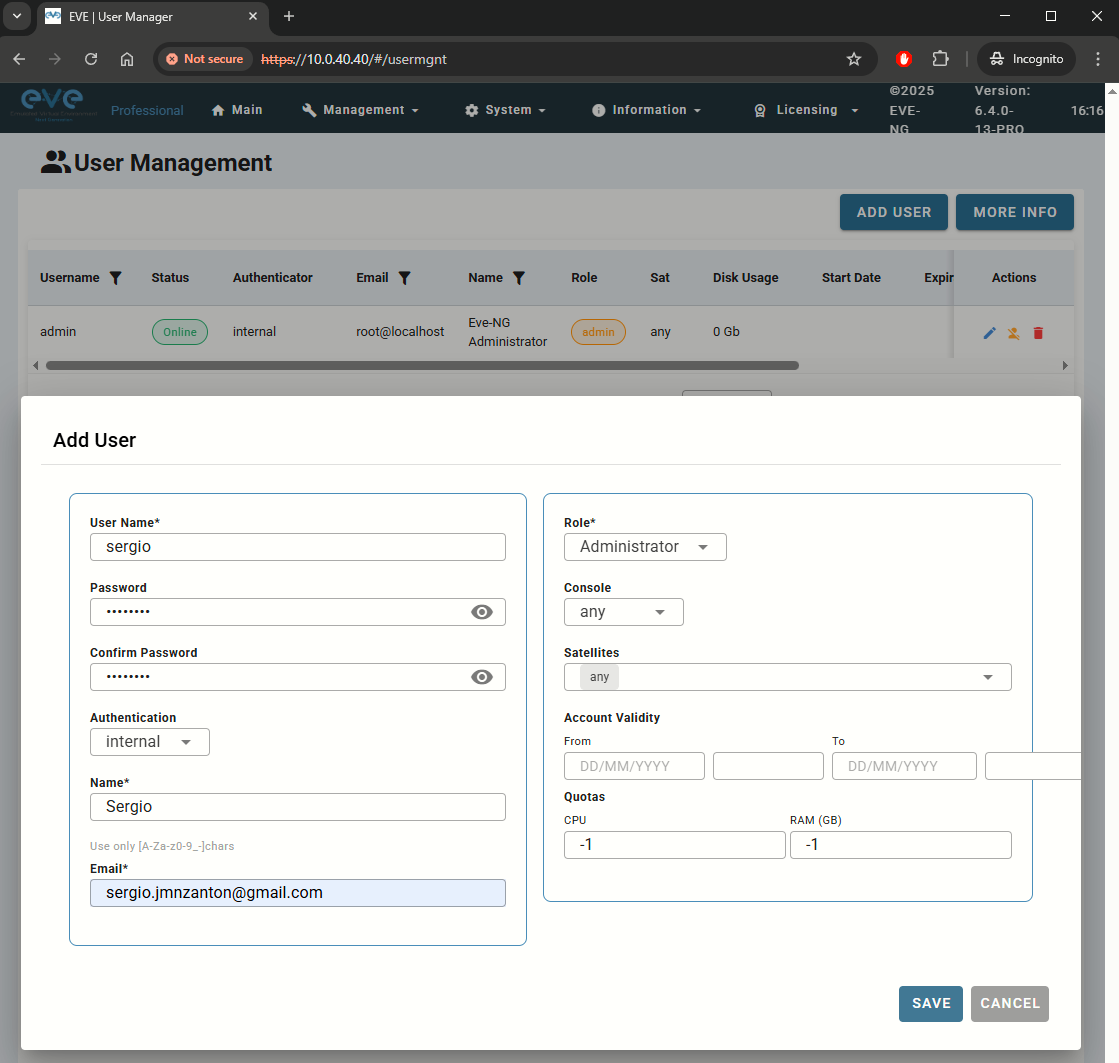
- Console: any (user can choose at login)
- Satellites: any (leave as default, not applicable here)
- Account Validity: blank for unlimited
- Quotas: default (-1) for unlimited resources
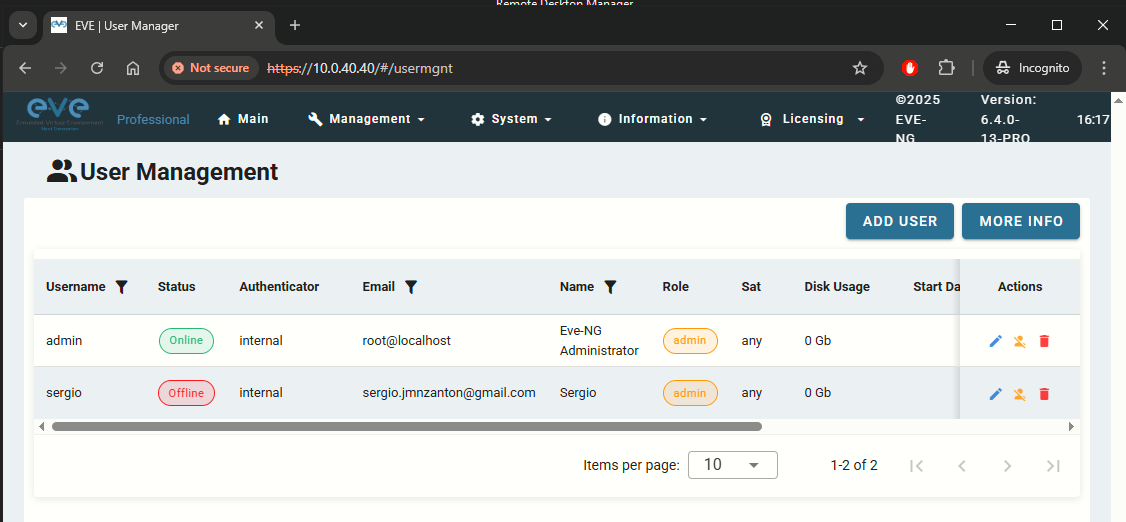
Creating a Folder for Labs
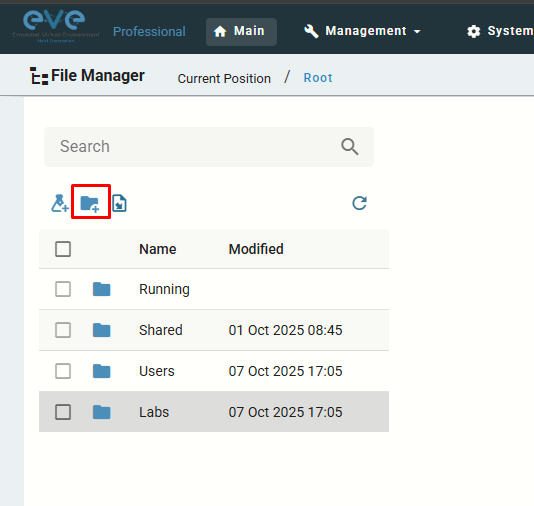
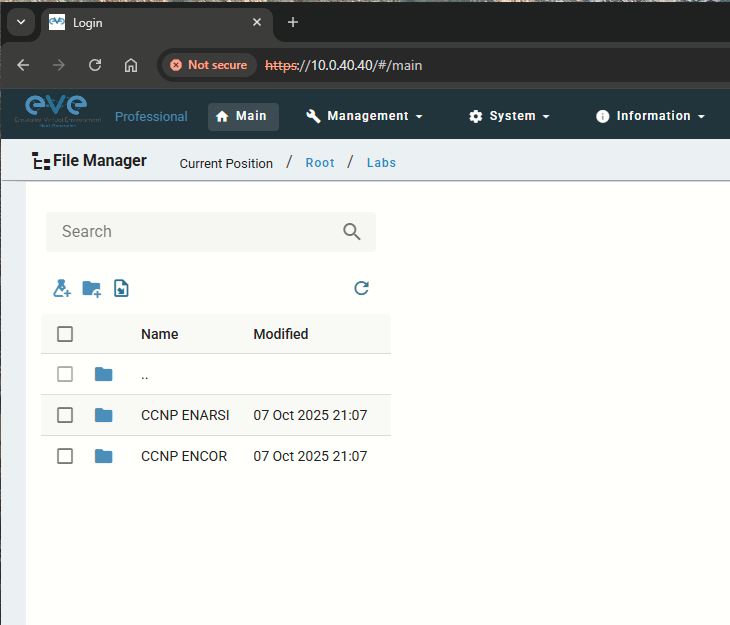
I will create a folder named Labs on the root folder, under this folder I will create the folder structure for future labs. To create it, I just clicked on the following icon: