
3. Creating a Project and GUI Tuning
Projects and Resources
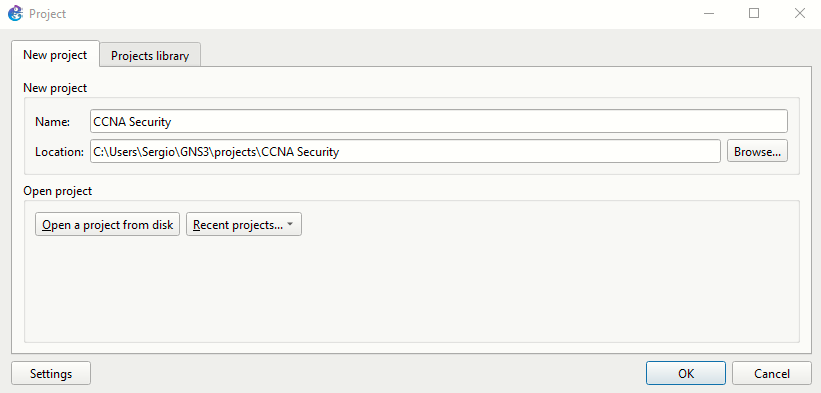
After configuring the GNS3 VM, we can finally launch the GNS3 GUI and start a new project, which I will name "CCNA Security" (I will use it on the CCNA Security Labs).
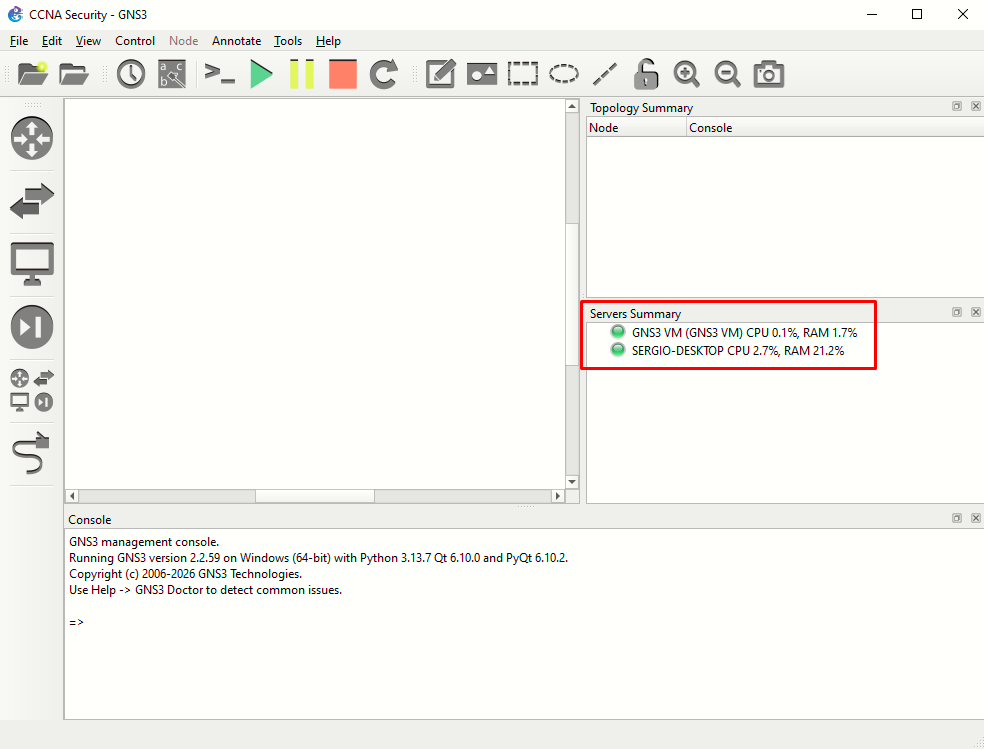
At the right section "Servers Summary", we can see both the GNS3 VM and the local server currently running and the resources used by each:
Interface Tuning
Go to Edit > Preferences > General:
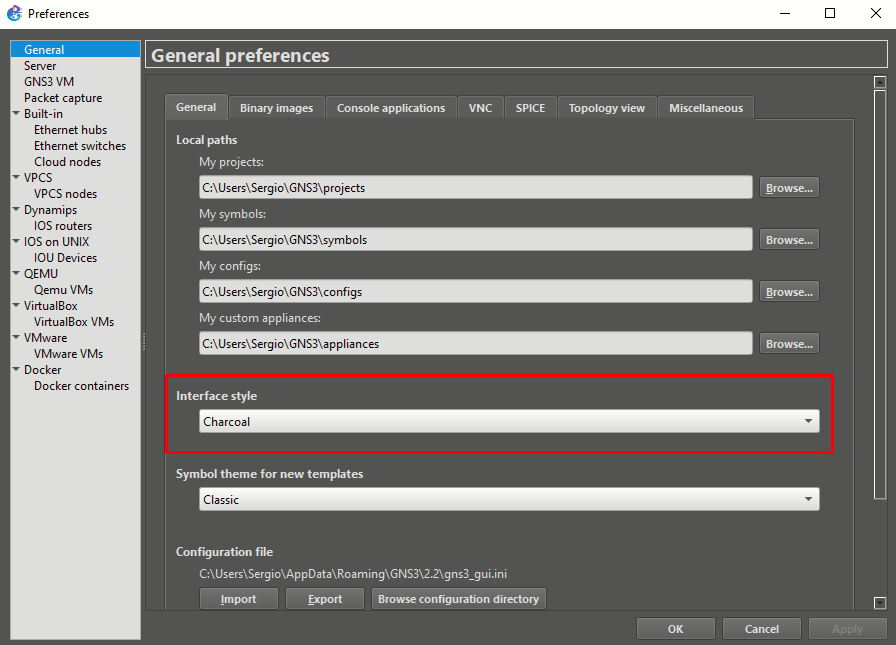 Change to Charcoal style