
HP ProLiant ML350 Gen10 - Service Pack Installation
Service Pack for ProLiant
SPP is a systems software and firmware solution delivered as a single ISO file download. This solution uses SUM as the deployment tool and is tested and supports HPE ProLiant.
SPP, along with SUM and iSUT, provides Smart Update system maintenance tools that systematically update HPE ProLiant servers.
Sphere ESXi, or in an offline mode where the server is booted to an operating system included in the ISO file.
SPP can be used in an online mode on a server running Windows, Linux, or VMware vSphere ESXi, or in an offline mode where the server is booted to an operating system included in the ISO file.
The preferred method for downloading an SPP is using the SPP Custom Download at https://www.hpe.com/servers/spp/custom.
SPP Custom Downloads
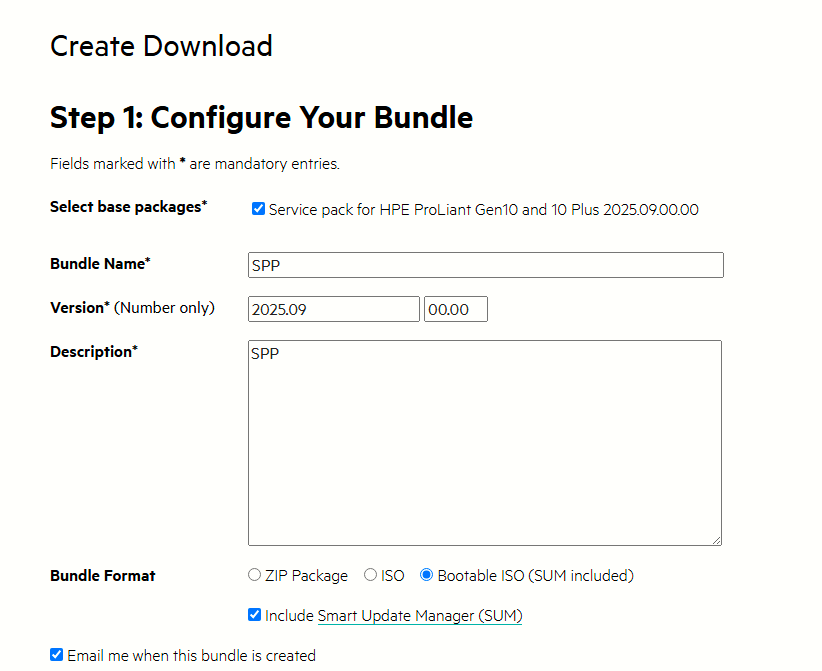
The SPP Custom Download site allows you to download a full SPP, a base SPP, or a custom SPP.
Base SPP: Contains all components delivered on the original SPP release date
Full SPP: Contains the driver and firmware components from the "Base SPP ISO" plus all Hot Fixes, OS Supplements, and MSBs.
Custom SPP: SPP Custom Download is an online service for filtering and downloading the SPP. It allows you to:
- Customize the SPP download for your environment
- Reduce the size of the download file
- Select filters for components
- Add SPP Supplements
To create a custom bootable ISO for offline, be sure to select:
- The Bootable ISO option
-
All Linux operating systems if you filter the operating systems.
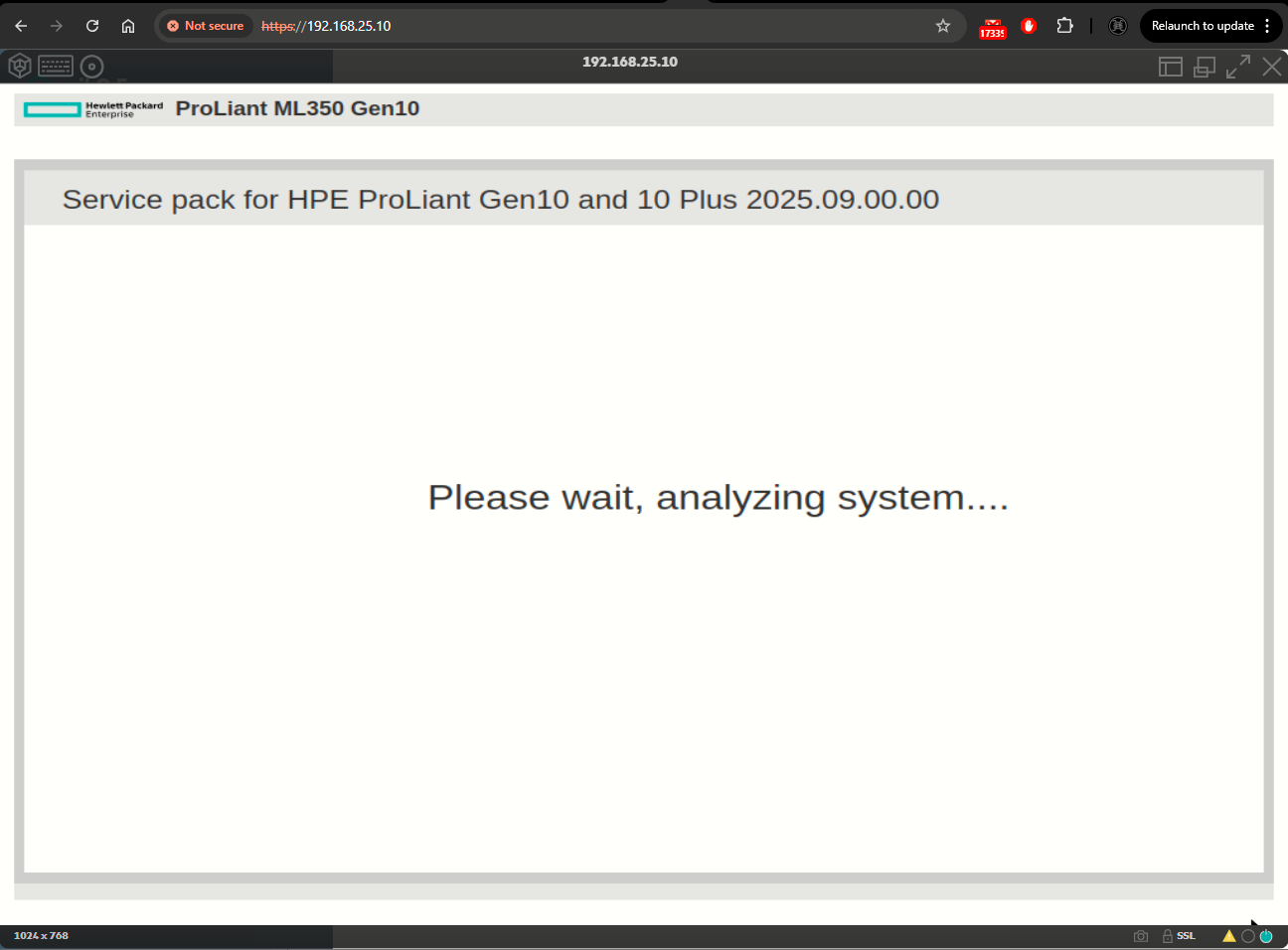
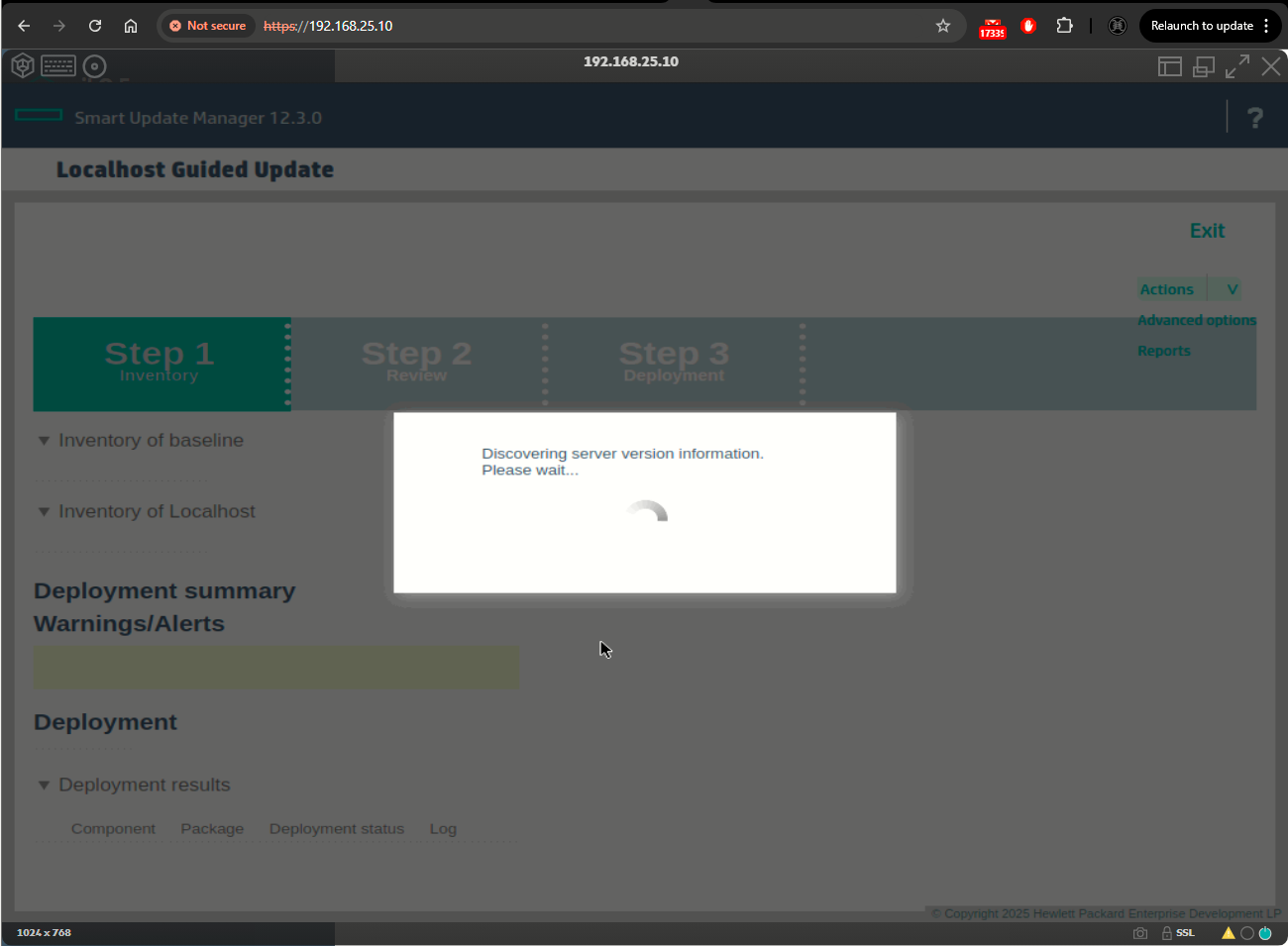
Offline mode only deploys firmware updates.
Production and post-production SPPs
Production SPPs
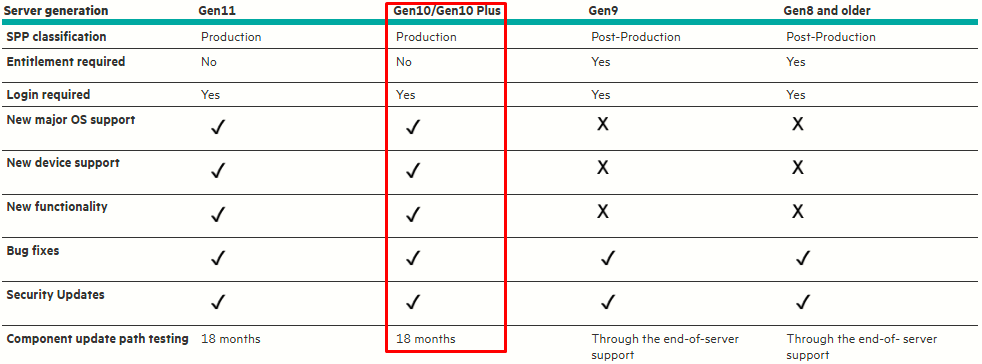
Firmware, drivers, and system software updates for the “production server generations” may include bug fixes, security updates, plus new features, functionality, and new OS/hypervisor version support and require more frequent updates and testing.
Post-production SPPs
SPP Suplements
An SPP Supplement is a bundle containing software and/or firmware components. SPP supplements provide support for functionality that is required outside a normal SPP release cycle. Supplements allow Hewlett Packard Enterprise to deliver support when it is needed so customers do not have to wait for the next SPP.
Downloading the SPP
- Open a web browser and go to https://spp.hpe.com/custom.
- Access to the SPP requires validation through the HPE Support Center. An active warranty or HPE support agreement is required to download the SPP.
- If necessary, click Sign in here, and then provide your HPE OKTA/IAM user credentials.
- Select an SPP from the left side of the page.
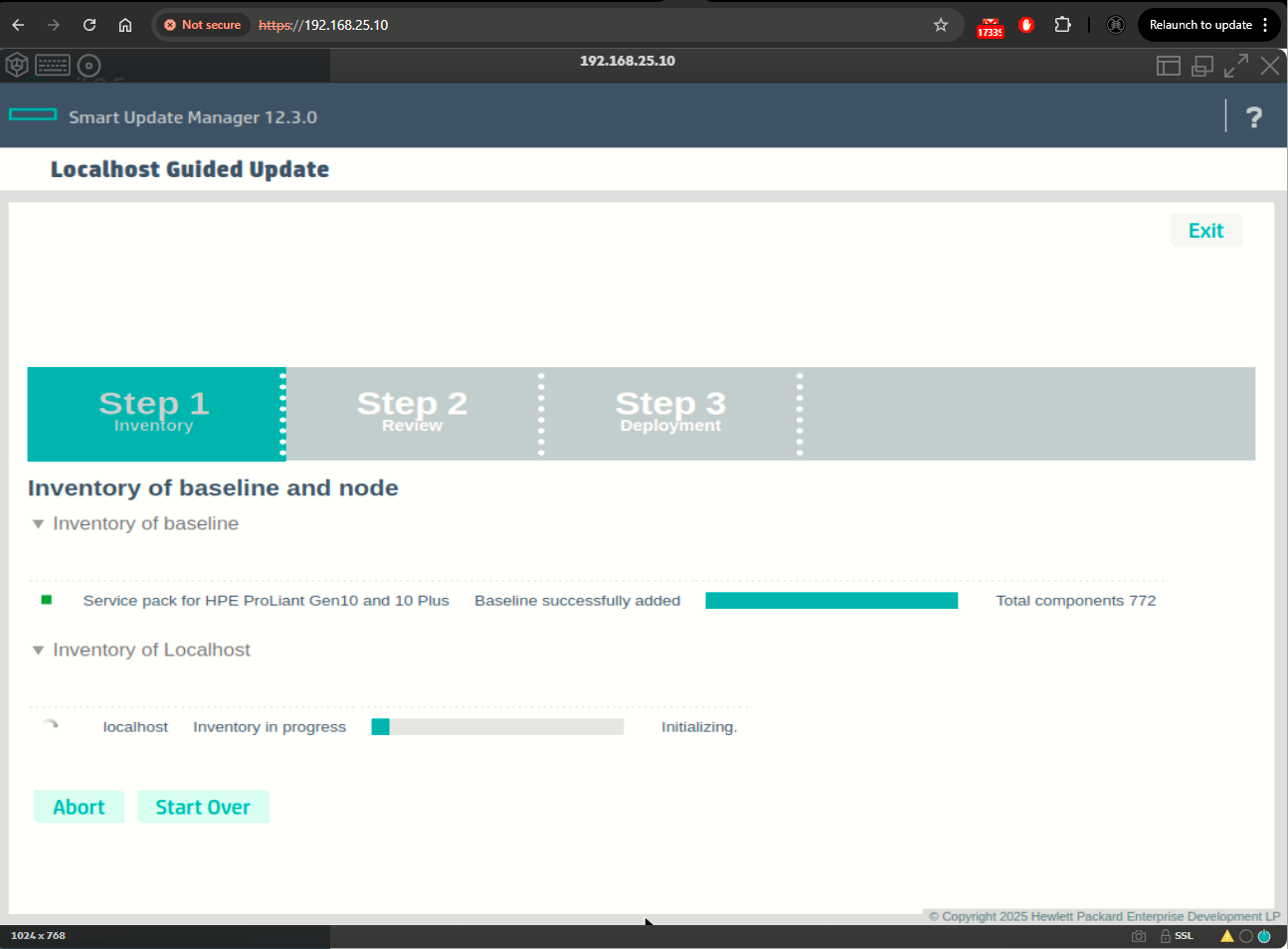
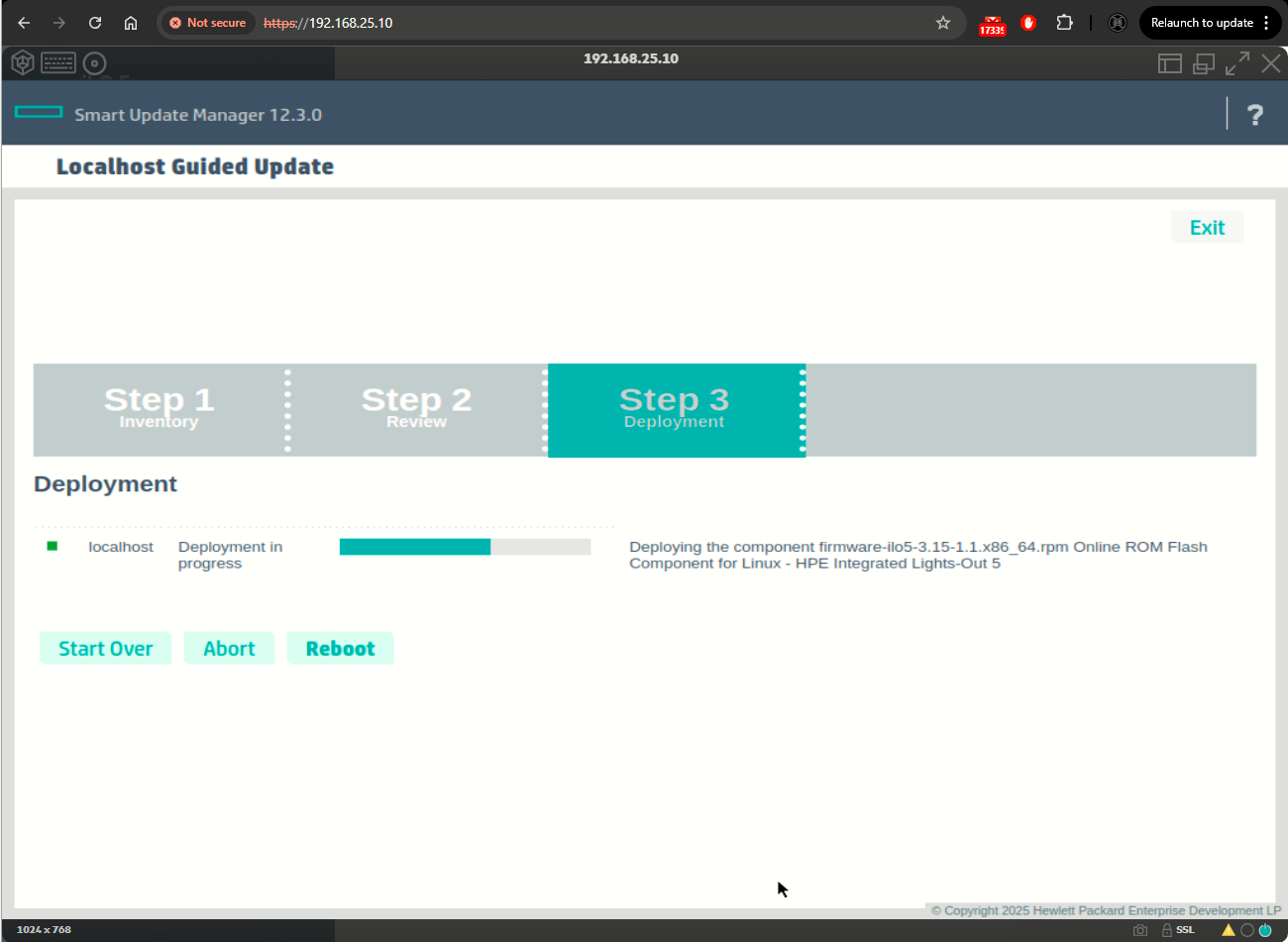
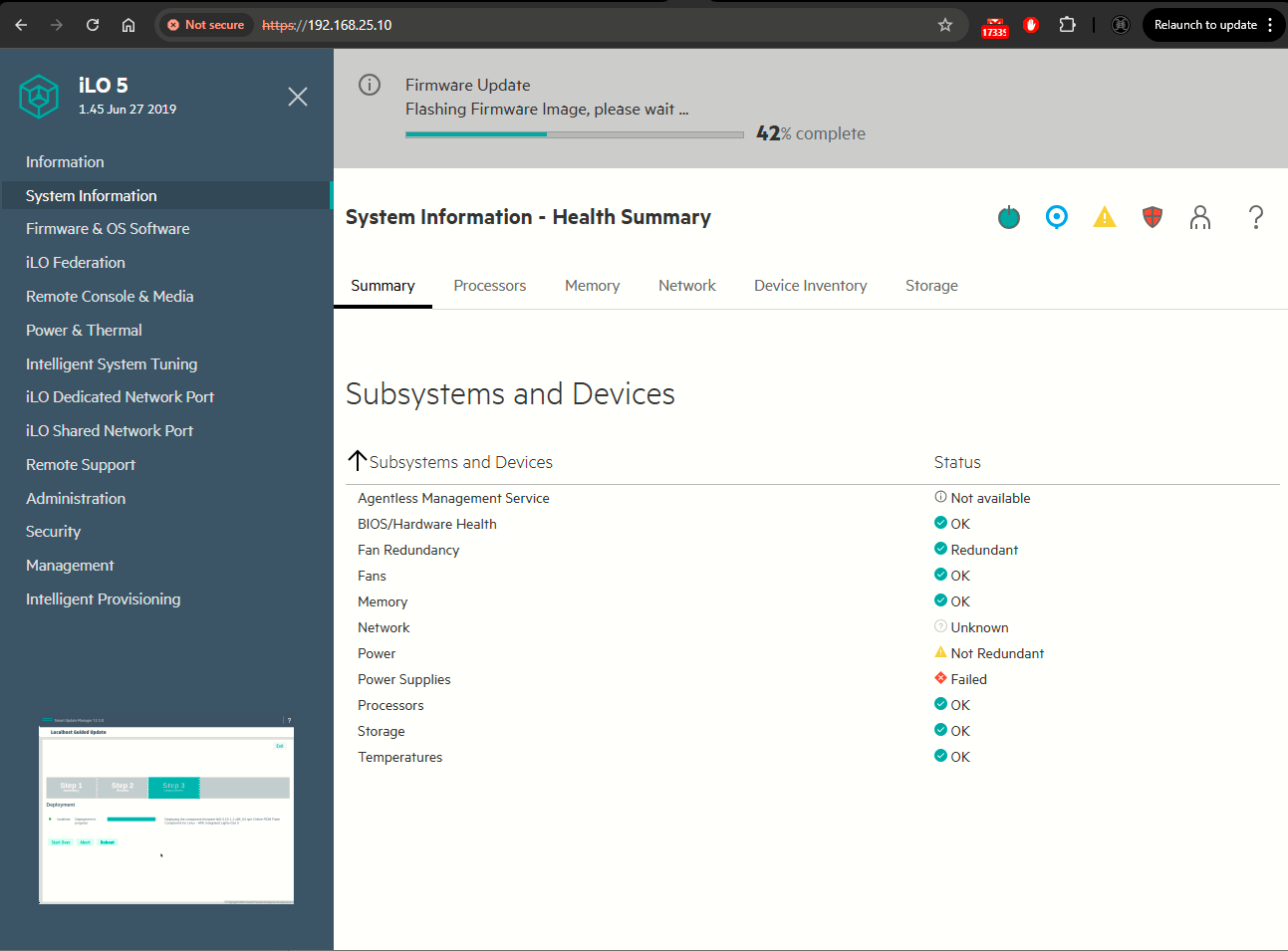
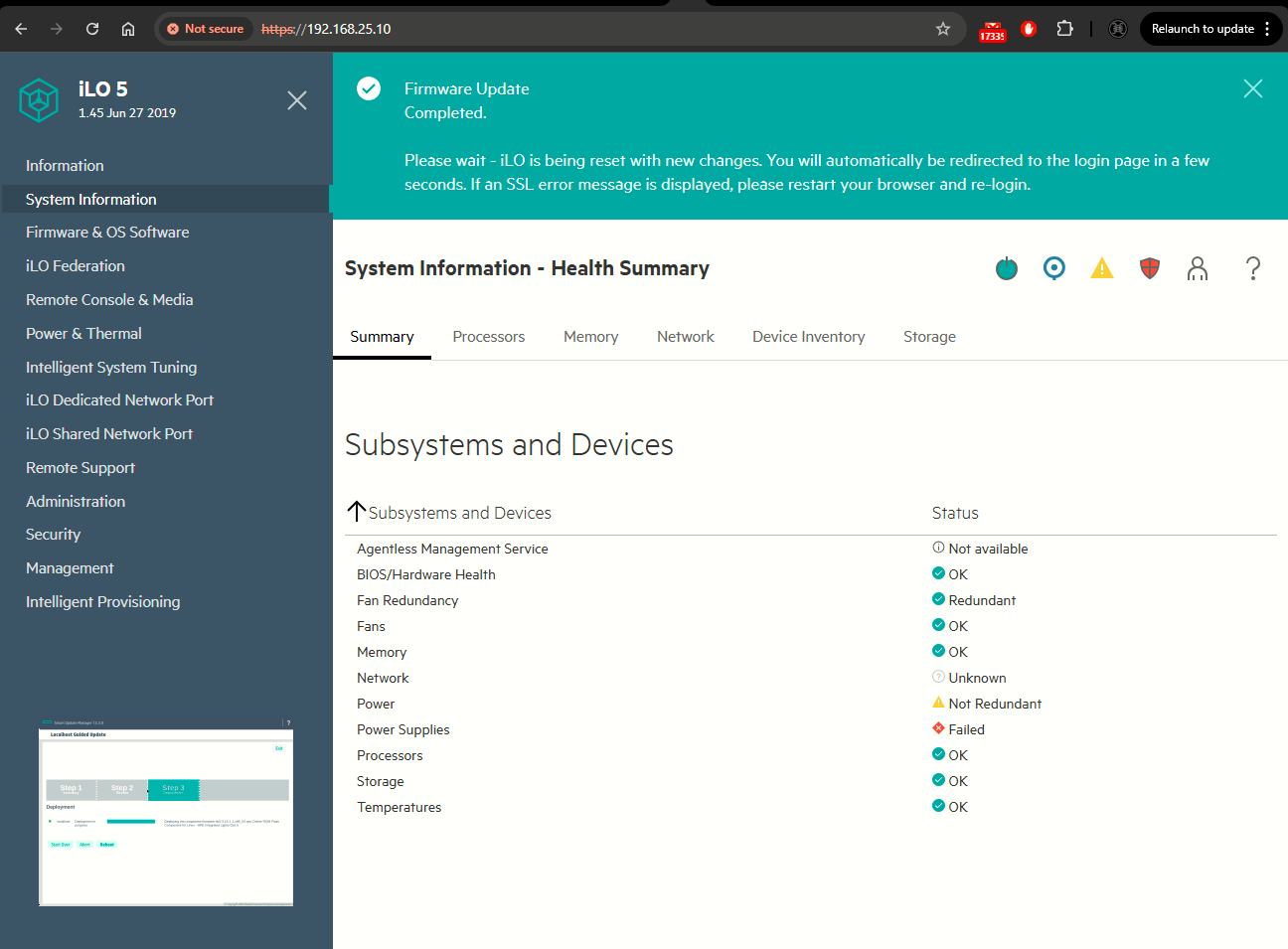
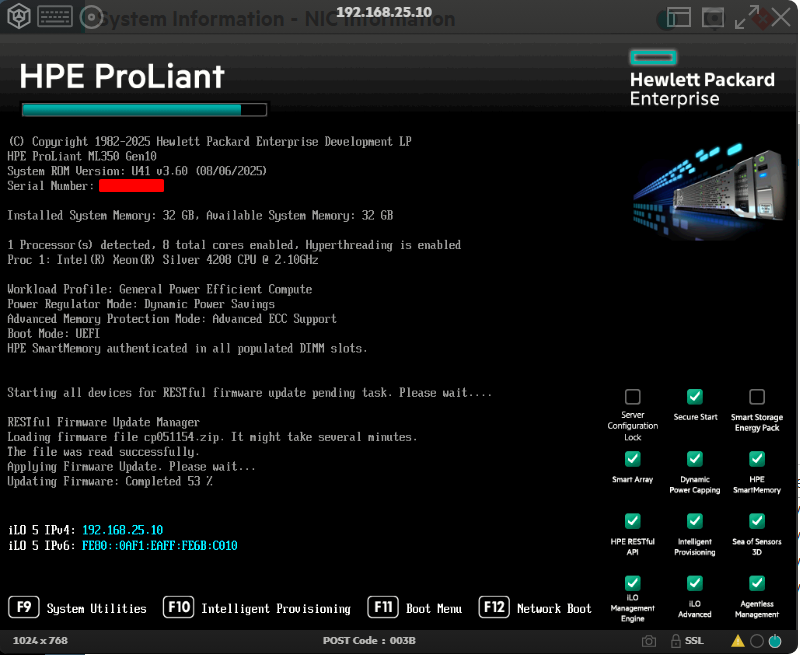
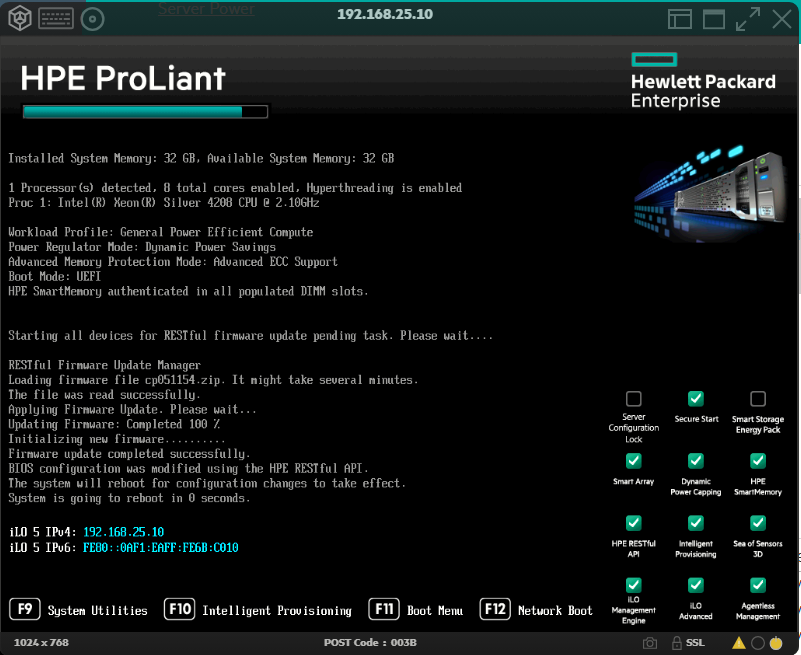
Installing Offline Deployment
Sources
Download HP Service Pack (SPP) for ProLiant Servers for Free (Firmware & Drivers .ISO)– Directly from HP
https://www.firewall.cx/tools-tips-reviews/more-reading/hp-service-pack-for-proliant-spp-free-download.html
HPE Intel Online Firmware Upgrade Utility for Windows Server x64 Editions for HPE ProLiant Gen9 and Gen10 server series Only
https://support.hpe.com/connect/s/softwaredetails?language=en_US&collectionId=MTX-be56d38accd045cc&tab=releaseNotes
downloads.lowrise.co.uk - /downloads/Drivers AND Firmware/Servers/HPE/!HP Support Packs/2024.04/
https://downloads.lowrise.co.uk/downloads/Drivers%20AND%20Firmware/Servers/HPE/!HP%20Support%20Packs/2024.04/
Home / HP SPP / HPE Service Pack for ProLiant (SPP) for Gen10
https://mirror.mahanserver.net/?dir=HP%20SPP/HPE%20Service%20Pack%20for%20ProLiant%20%28SPP%29%20for%20Gen10
Unable to Update HPE Server Firmware - Stuck In Firmware Boot Loop
https://www.reddit.com/r/sysadmin/comments/1h0l2id/unable_to_update_hpe_server_firmware_stuck_in/
Firmware updates by Intelligent Provisioning - "The firmware repository is not accessible...."
https://community.hpe.com/t5/hpe-proliant-servers-ml-dl-sl/firmware-updates-by-intelligent-provisioning-quot-the-firmware/td-p/7006726
Unable to install SPP for DL20 Gen10
https://community.hpe.com/t5/hpe-proliant-servers-netservers/unable-to-install-spp-for-dl20-gen10/td-p/7204049
Problem with SPP for DL380 Gen9
https://community.hpe.com/t5/hpe-proliant-servers-ml-dl-sl/problem-with-spp-for-dl380-gen9/m-p/7131968
Re: G10 SPP 2021.04.0 create on usb key utility 3.0 can't boot
https://community.hpe.com/t5/hpe-proliant-servers-ml-dl-sl/g10-spp-2021-04-0-create-on-usb-key-utility-3-0-can-t-boot/m-p/7131856/highlight/true
Installing Aruba Central On-Premises ISO Files Using the iLO Interface with ISO image on the PC
https://arubanetworking.hpe.com/techdocs/centralonprem/2.5.7/content/install%20and%20setup/iso-image-pc.htm
HPE iLO 5 - No drives were found in this system
https://www.reddit.com/r/sysadmin/comments/1gqm2mm/hpe_ilo_5_no_drives_were_found_in_this_system/
Online ROM Flash Component for ESXi - HPE Smart Array P408i-p, P408e-p, P408i-a, P408i-c, E208i-p, E208e-p, E208i-c, E208i-a, P408i-sb, P408e-m, P204i-c, P204i-b, P816i-a and P416ie-m SR Gen10
https://support.hpe.com/connect/s/softwaredetails?language=en_US&softwareId=MTX_1b05b3627f244efebc5553b7f4&tab=Installation+Instructions&collectionId=MTX-4f319faf890642fc
Firmware Package - HPE Smart Array P408i-p, P408e-p, P408i-a, P408i-c, E208i-p, E208e-p, E208i-c, E208i-a, P204i-c, P416ie-m and P816i-a SR Gen10 and SR308i-o,SR308i-p Gen11 controllers
https://support.hpe.com/connect/s/softwaredetails?language=en_US&collectionId=MTX-3d51e7d6b8674f16&tab=Installation+Instructions
HPE Proliant DL360 Gen10 - Intelligent Provisioning Failed to load
https://community.hpe.com/t5/hpe-proliant-servers-ml-dl-sl/hpe-proliant-dl360-gen10-intelligent-provisioning-failed-to-load/td-p/7224557
Intelligent Provisioning Recovery Media for Gen10 and Gen10 Plus
https://support.hpe.com/connect/s/softwaredetails?language=es&tab=Installation+Instructions&collectionId=MTX-6971bdef1d494491&softwareId=MTX_1c5fb42e01054ba68a23c79070
Intelligent Provisioning 3.x - Updating Intelligent Provisioning and Component Firmware
https://support.hpe.com/hpesc/public/docDisplay?docId=a00029723en_us&docLocale=en_US